










Here’s a scenario that plays out constantly: someone builds a membership site, stacks four or five plugins to cover payments, content restriction, user profiles, and emails — and six months later they’re debugging conflicts, chasing failed renewals, and wondering why their site feels like it’s held together with duct tape.
The problem isn’t ambition. It’s tool selection.
The WordPress membership plugin market has exploded. The global online membership software market was valued at USD 8.26 billion in 2025 and is expected to reach USD 17.71 billion by 2033, growing at a CAGR of 10%. The subscription economy overall hit $557.8 billion in 2025 and is projected to reach $1.9 trillion by 2035.
That growth means more plugin options — and more noise. Most “best of” lists are sponsored or outdated. This one isn’t.
Here’s what actually matters when picking a WordPress membership plugin in 2026, who each option is genuinely built for, and why StoreEngine is the smartest all-in-one choice for most site owners starting or scaling in this space.
What Makes a WordPress Membership Plugin Worth Using in 2026?
Before you touch a single plugin, get clear on what you actually need. Most bad plugin decisions happen because site owners evaluate features before they define requirements.
The five things that actually matter:
1. Membership Levels & Access Control: Can you create multiple tiers? Can you restrict pages, posts, categories, and custom content types? Granular access control is non-negotiable.
2. Recurring Payments: One-time payments are simple. Recurring billing — monthly, annual, per-cycle — requires gateway integration that’s reliable at scale. How the plugin handles failed payments and renewals matters more than most buyers check.
3. Content Dripping: Releasing content gradually — on a schedule or based on days since signup — keeps members engaged and reduces early cancellations. Not every plugin does this well.
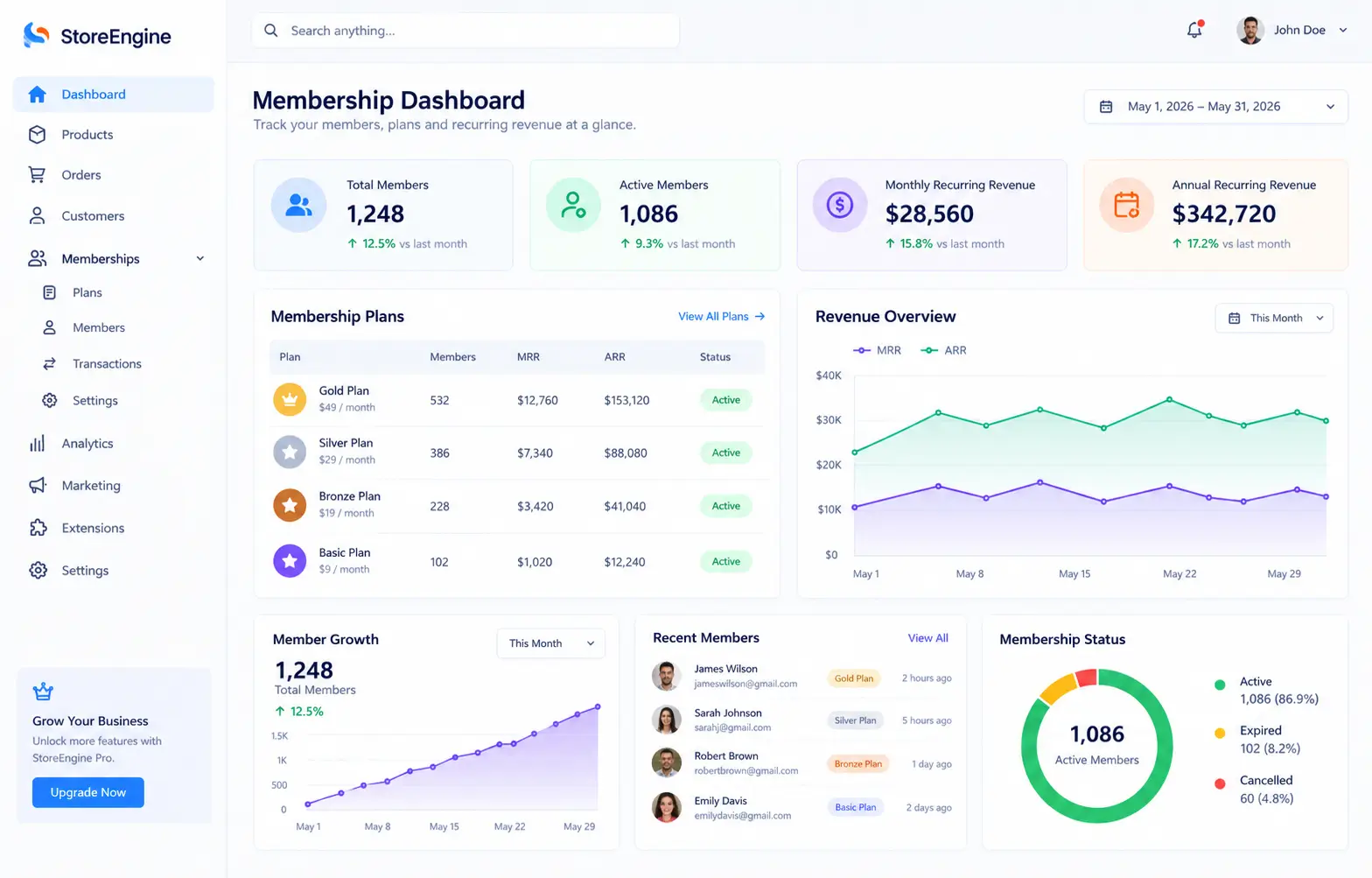
4. Member Management Dashboard: Can you see who’s active, who’s about to churn, and who has failed payments — all from one place? If you’re managing more than a handful of members, the admin experience will consume your time.
5. Integration Without Plugin Bloat: Every extra plugin you install adds weight, potential conflicts, and another update to manage. The best membership solutions consolidate as many functions as possible into one codebase.
The WordPress Membership Market in 2026: What’s Changed
Membership sites aren’t what they were five years ago. The shift is significant.
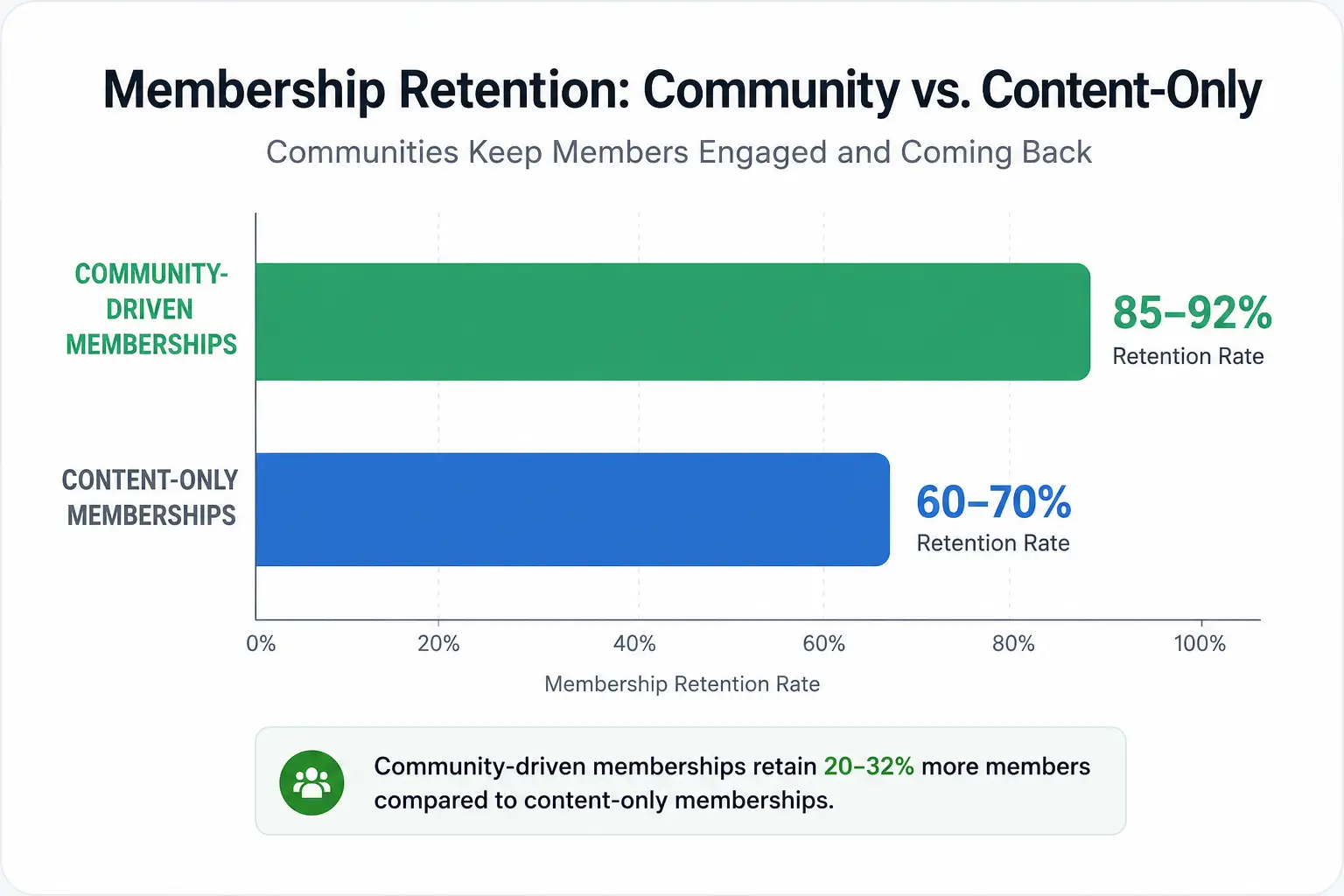
Community-driven memberships now retain 85–92% of members, compared to 60–70% for content-only sites. That means the “lock content behind a paywall” model is fading. Members in 2026 expect interaction, progression, and community — not just PDFs.
Other data points shaping the landscape:
- 70%+ of membership engagement now happens on mobile. If your plugin’s member experience is clunky on phones, you’re losing retention.
- AI personalization improves member re-engagement by 52% and speeds up onboarding by 38% on sites that implement it.
- WordPress powers 43.4% of all websites in 2026, making the WordPress plugin ecosystem deeper and more competitive than any other platform.
Your plugin needs to reflect where membership sites are heading — not where they were.
Best WordPress Membership Plugins in 2026: Honest Comparison
Here’s the real breakdown — what each plugin does well, where it struggles, and who it’s actually built for.
🥇 1. StoreEngine — Best All-in-One WordPress Membership Plugin
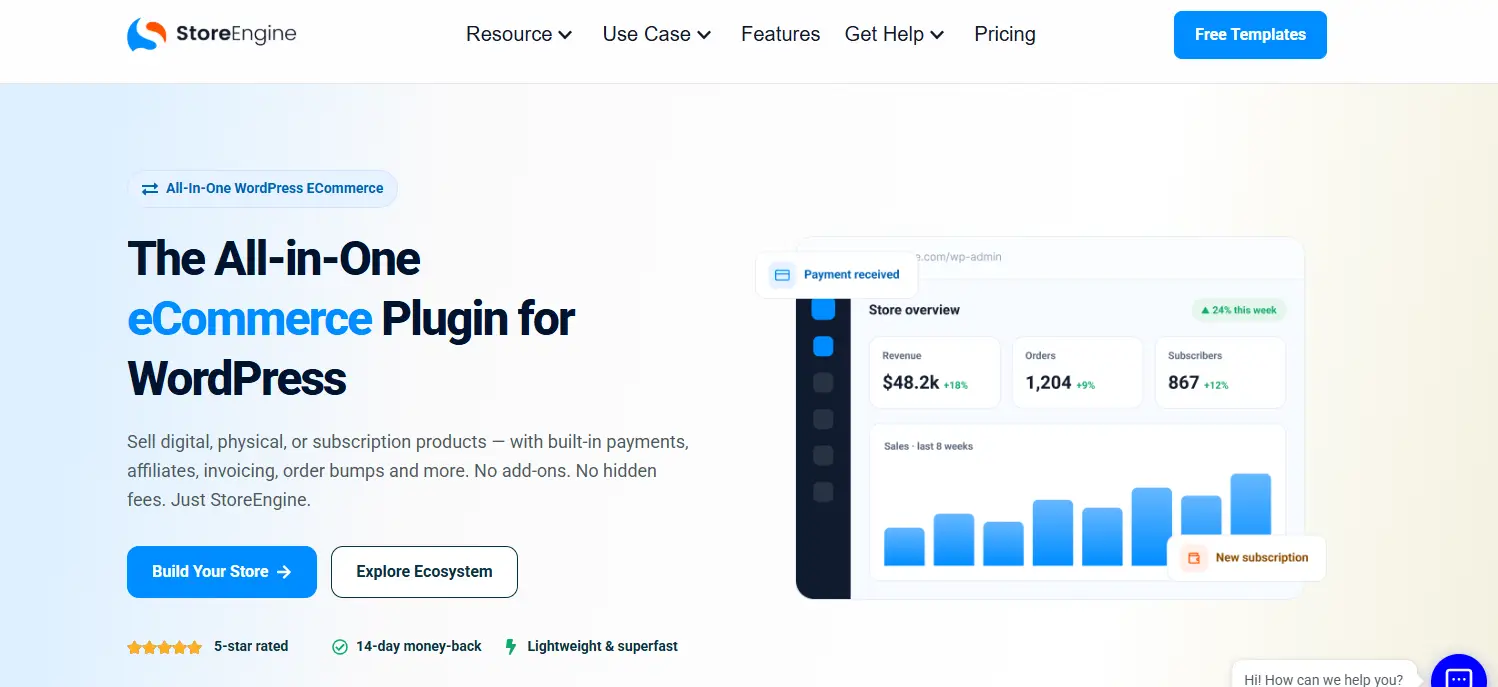
StoreEngine earns the top spot not because it’s the oldest or most well-known name in this space — but because it solves the core problem with WordPress membership setups: the plugin stack problem.
Most membership sites on WordPress require at least three separate plugins: an eCommerce engine, a membership plugin, and an affiliate or email tool. StoreEngine consolidates all of this into one lightweight, Gutenberg-native plugin.
StoreEngine’s membership features at a glance:
- Tiered membership plans with flexible pricing — one-time, subscription, or installment
- Recurring billing with flexible cycles, free trial options, and setup fee support
- Gated content and access control built into the core
- Stripe, PayPal, Razorpay, and Paddle — all natively supported
- Built-in affiliate system for member referrals
- Order bumps, upsells, and cart abandonment recovery in the same dashboard
- Advanced analytics — revenue trends, member performance, and conversions in one view
- LMS integration for course-based membership sites
- Zero transaction fees from StoreEngine — you pay only the gateway rate (Stripe/PayPal standard)
From a third-party review: “If you want to add membership functionalities, you don’t need any separate plugin — StoreEngine gives you all the necessary tools you need, like Tiered Membership Plans, Recurring Payments, and access control.” Another review placed StoreEngine as “best overall, native subscriptions and memberships, great for course creators and SaaS.”
Who it’s for: WordPress site owners who want to sell memberships, digital products, courses, and physical goods — all under one plugin, without maintaining multiple tools.
Honest caveat: Advanced features (subscriptions, tiered plans, affiliates) are Pro-tier. The free version covers core eCommerce. If you’re building a pure membership site with no eCommerce needs whatsoever, the broader feature set may exceed your immediate requirements — though most growing membership sites need that eCommerce layer eventually.
Pricing: Free version available on WordPress.org. Pro plans from approximately $99/year for a single site, with multi-site and unlimited licenses available. 14-day money-back guarantee.
🔗 Try StoreEngine: storeengine.pro
2. MemberPress — Best Dedicated Membership Plugin
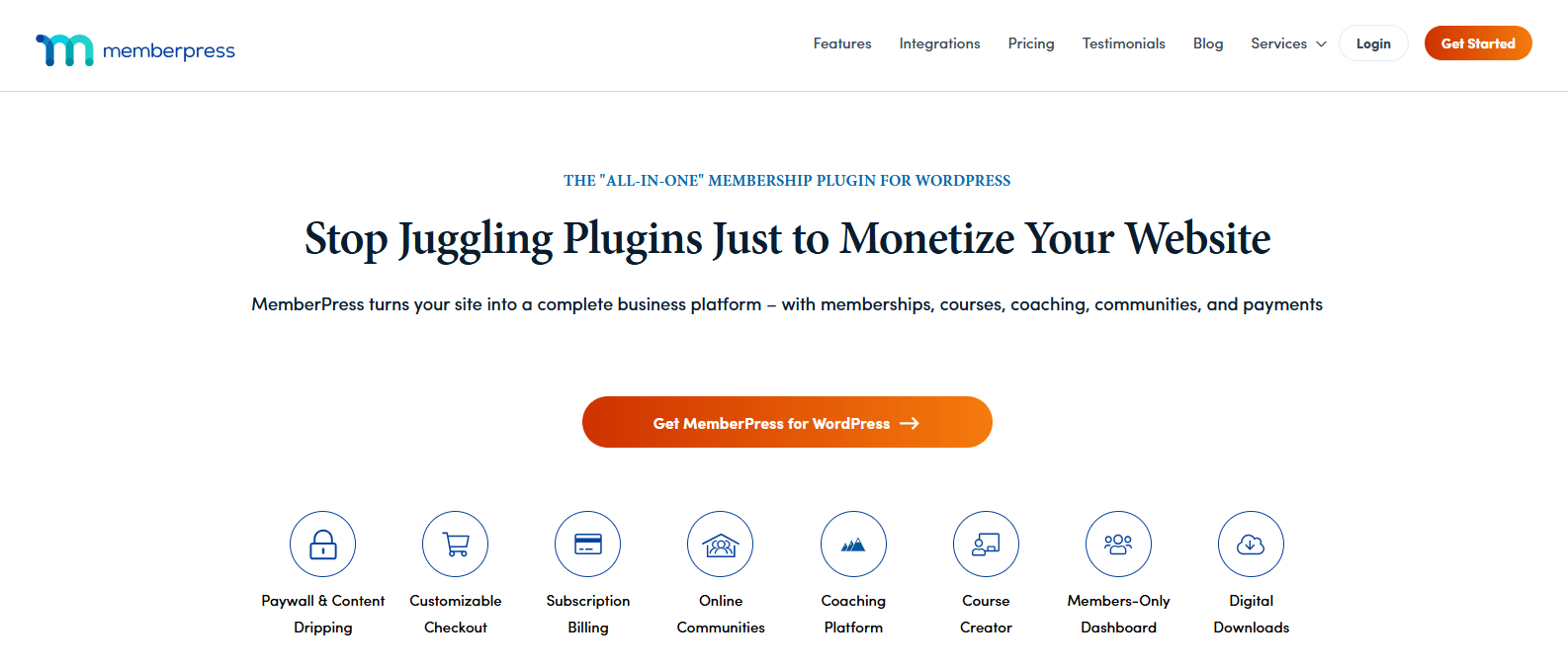
MemberPress is the most commonly recommended standalone WordPress membership plugin in 2026. It handles content restriction with exceptional granularity — you can gate by page, post, category, tag, or even partial content within a post, with drip scheduling by date or days since signup.
Setup is straightforward, the UI is clean, and the access rules system is among the most flexible available in a dedicated membership tool.
Where it excels:
- Granular content protection and content dripping
- Stripe, PayPal, and Authorize.Net support
- Built-in course functionality via MemberPress Courses addon
- Intuitive member management dashboard
Where it falls short:
- No eCommerce capabilities — you need WooCommerce or a separate plugin to sell physical products
- Pricing starts around $179/year at the basic tier, climbing steeply for advanced features
- No built-in affiliate system
- Forces plugin stacking for anything adjacent to pure membership
Best for: Content creators, coaches, and newsletter businesses who need a dedicated membership tool and have no plans to sell physical or digital products.
3. Paid Memberships Pro (PMPro) — Best Free Option
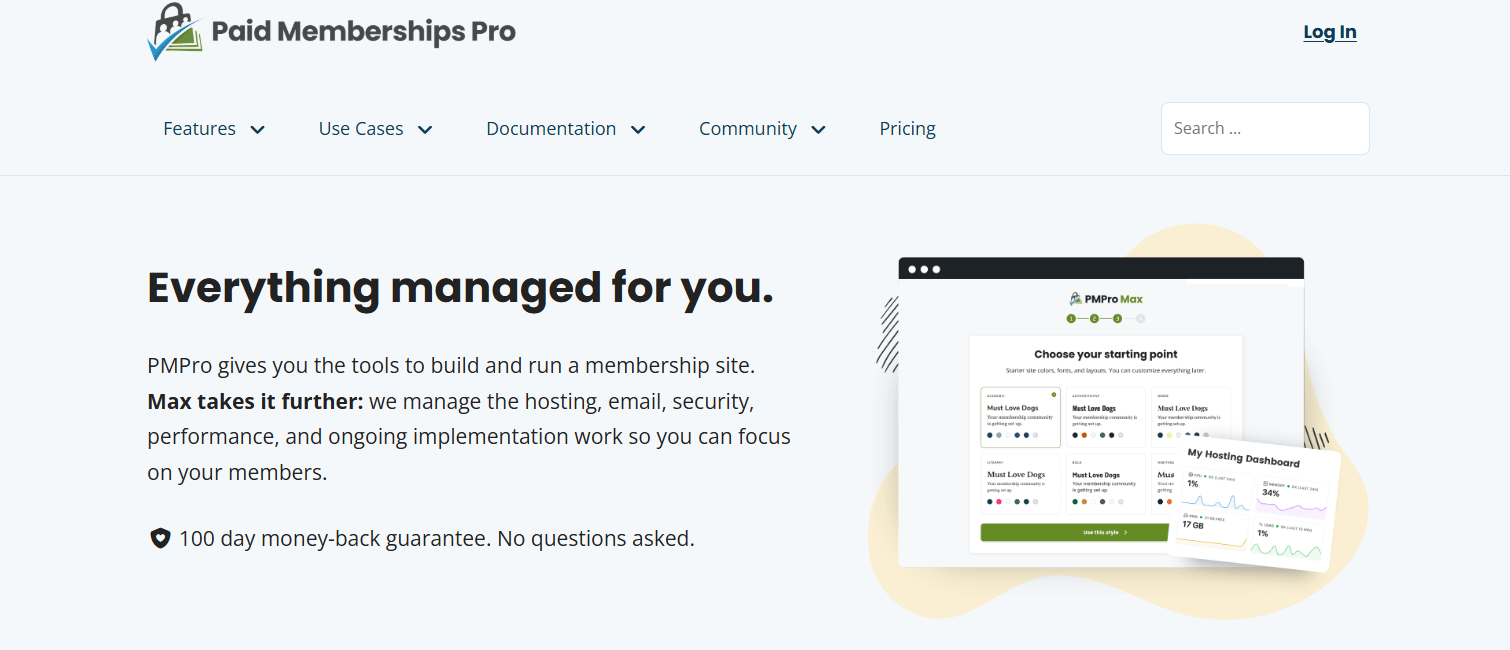
Paid Memberships Pro is the most popular free WordPress membership plugin, with over 100,000 active installations on WordPress.org. The core plugin is fully open-source — unlimited members, unlimited membership levels, content restriction, and basic Stripe and PayPal payments, all free. PMPro is the backbone of over 90,000 membership websites online.
Where it excels:
- Genuinely powerful free tier — not a stripped-down trial
- Developer-friendly with strong extensibility via add-ons
- The upgrade path is modular — pay only for what you need
Where it falls short:
- Advanced features (drip content, email integrations, checkout customization) require paid add-ons
- UI is functional but dated compared to newer options
- No built-in eCommerce, affiliate system, or course functionality
Best for: Those testing a membership idea before committing budget, or developers who want a flexible open-source foundation.
4. ARMember — Best All-Rounder for Growing Sites
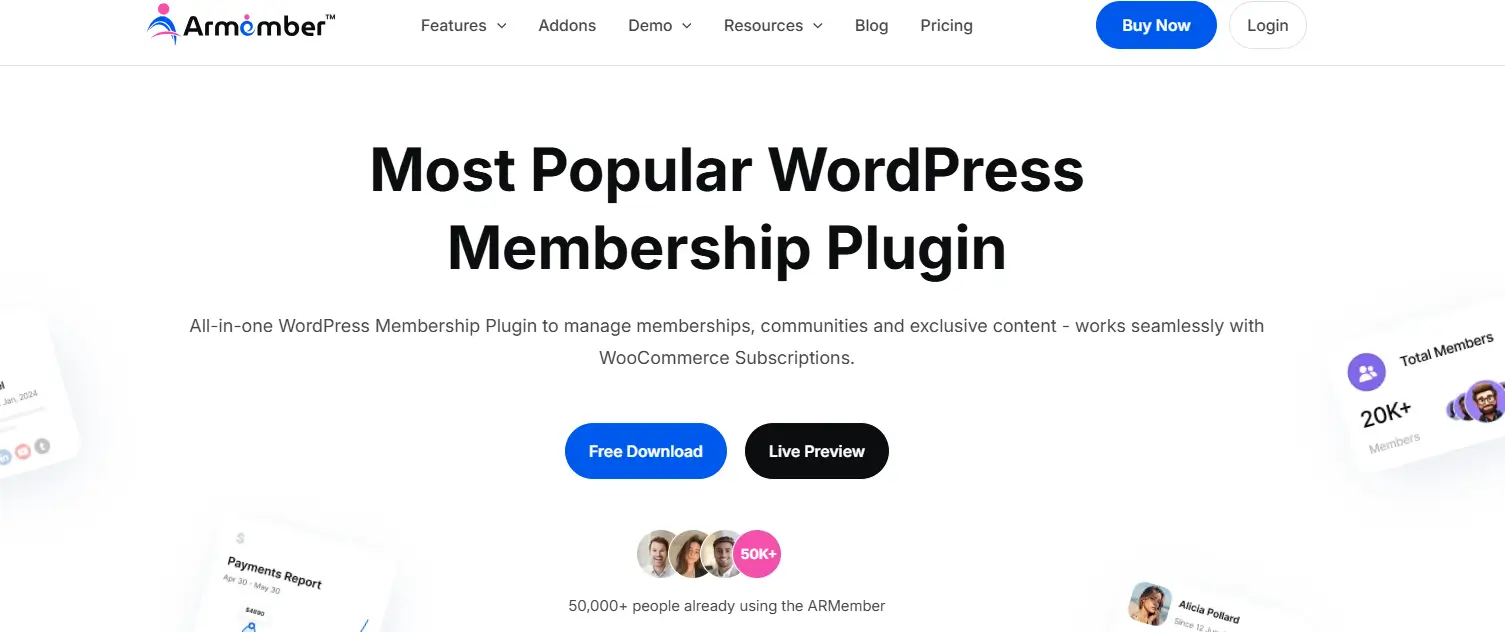
ARMember combines membership management, content protection, recurring payments, courses, and community features in a single plugin. Its guided setup wizard can launch a basic membership site in 15–20 minutes. It ships with 57+ built-in addons.
Where it excels:
- Broad feature set with built-in extensibility
- Customizable member profiles and directories
- Online course and community features included
Where it falls short:
- Steeper learning curve than simpler alternatives
- 57+ addons is a double-edged sword — it can create its own complexity
- No native eCommerce stack
Best for: Mid-sized membership sites that want a standalone all-in-one solution without the full eCommerce layer.
5. WooCommerce Memberships — Best for Existing WooCommerce Stores
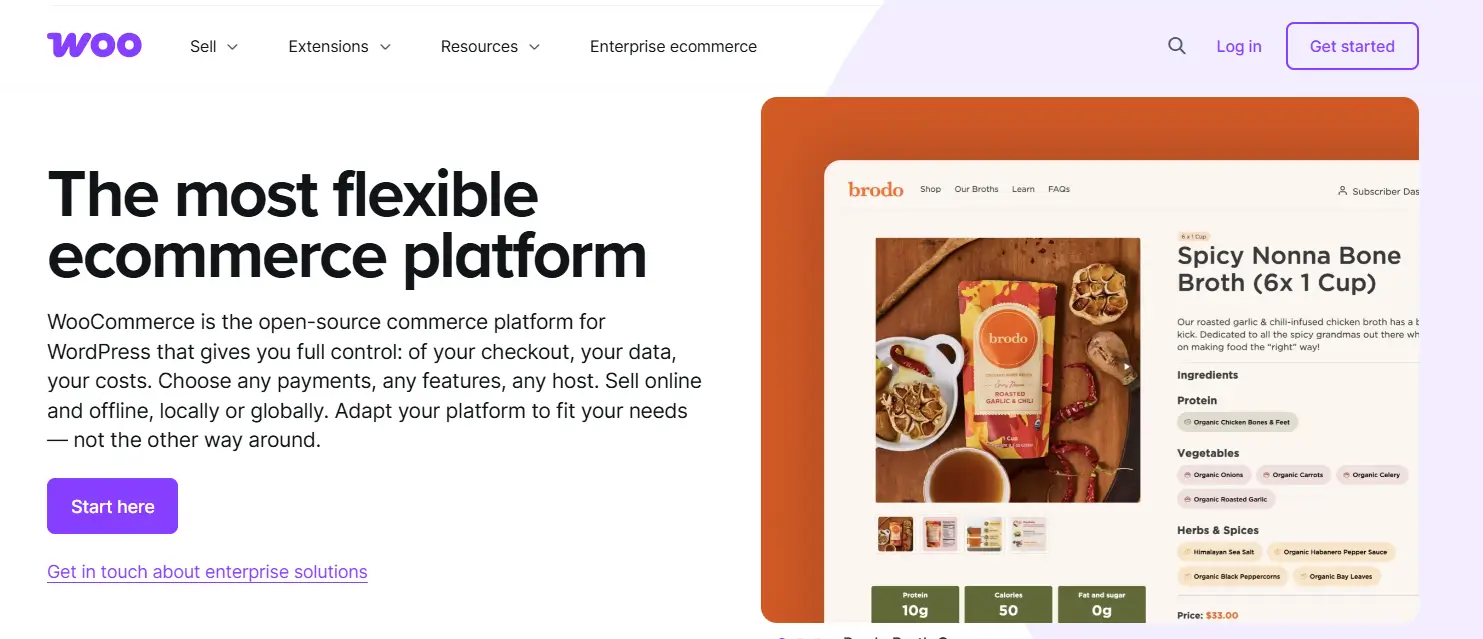
If your store already runs on WooCommerce, WooCommerce Memberships ties membership access directly to product purchases and handles access control within the WooCommerce ecosystem — no new paradigm to learn.
Where it excels:
- Seamless WooCommerce integration
- Intuitive purchase-based membership access
- Familiar interface for existing WooCommerce users
Where it falls short:
- Requires WooCommerce — adds platform dependency and weight
- Recurring billing requires a separate WooCommerce Subscriptions add-on at additional cost
- Not recommended for fresh setups without existing WooCommerce infrastructure
Best for: Stores already on WooCommerce that want to add membership tiers without platform changes.
6. Restrict Content Pro — Best Lightweight Content Gating
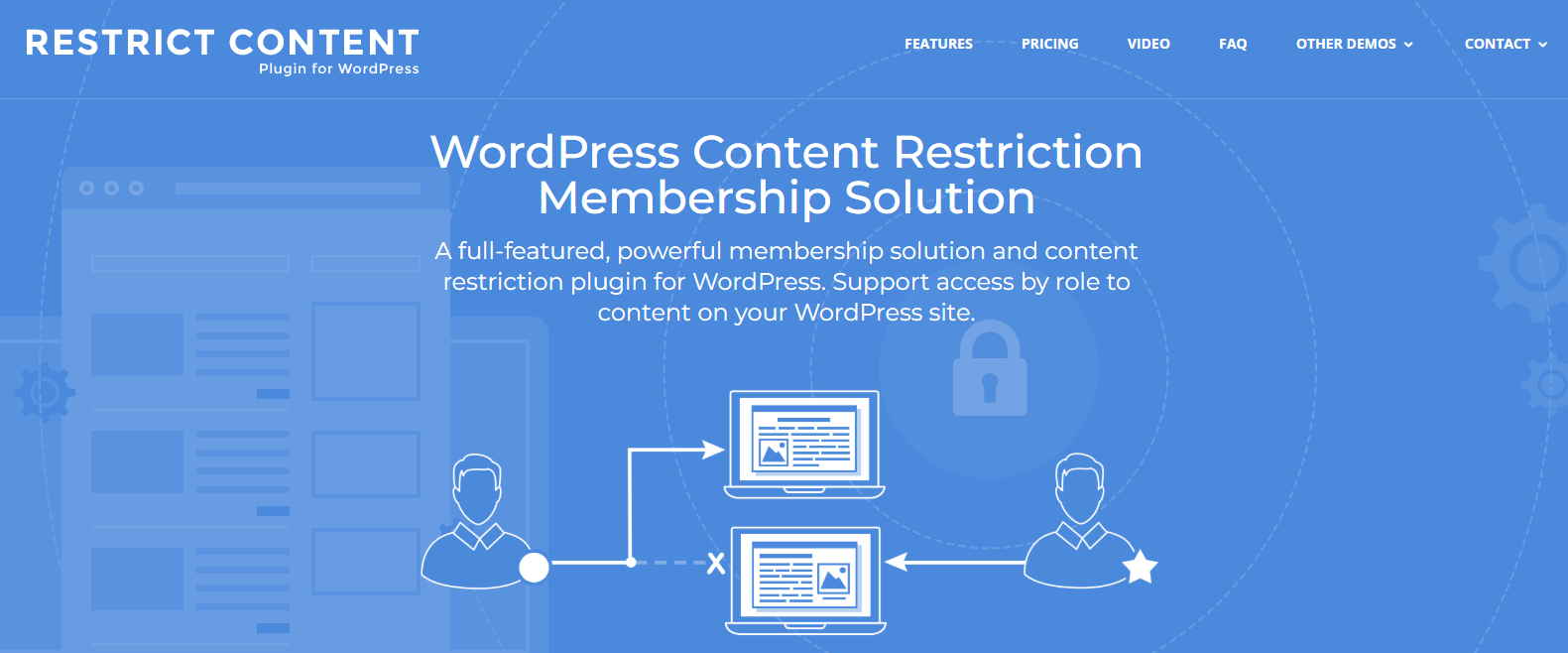
Restrict Content Pro does one thing: control who accesses what. No course tools, no community features — just reliable content restriction paired with basic payment support.
Where it excels:
- Simple, focused, reliable
- Developer-friendly
- Good for sites where content restriction is the only membership requirement
Where it falls short:
- Requires a full plugin stack for a complete membership experience
- No community, course, or affiliate features
Best for: Developers or technical users who want minimal content restriction and handle everything else independently.
WordPress Membership Plugin Comparison Table
|
Plugin |
Free Version |
Recurring Payments |
Content Dripping |
Built-in Affiliates |
eCommerce |
Best For |
|
StoreEngine |
✅ Core free |
✅ Native (Pro) |
✅ |
✅ Built-in |
✅ Full stack |
All-in-one store + membership |
|
MemberPress |
❌ Paid only |
✅ Stripe/PayPal |
✅ Advanced |
❌ Extra plugin |
❌ No |
Content creators, coaches |
|
Paid Memberships Pro |
✅ Full free core |
✅ Basic free |
Add-on required |
❌ Extra plugin |
❌ No |
Budget-conscious, developers |
|
ARMember |
✅ Limited |
✅ |
✅ |
Add-on |
❌ No |
Standalone mid-size sites |
|
WooCommerce Memberships |
❌ Paid |
Subscriptions add-on |
❌ |
❌ |
✅ WC only |
Existing WooCommerce stores |
|
Restrict Content Pro |
❌ Paid |
✅ Basic |
❌ |
❌ |
❌ |
Lightweight content gating |
How to Set Up a Membership Site with StoreEngine
Here’s the practical path from zero to a live membership site.
Step 1: Install StoreEngine
Download from storeengine.pro or the WordPress plugin repository. Activate and run the guided setup wizard.
Step 2: Activate the Membership Add-On
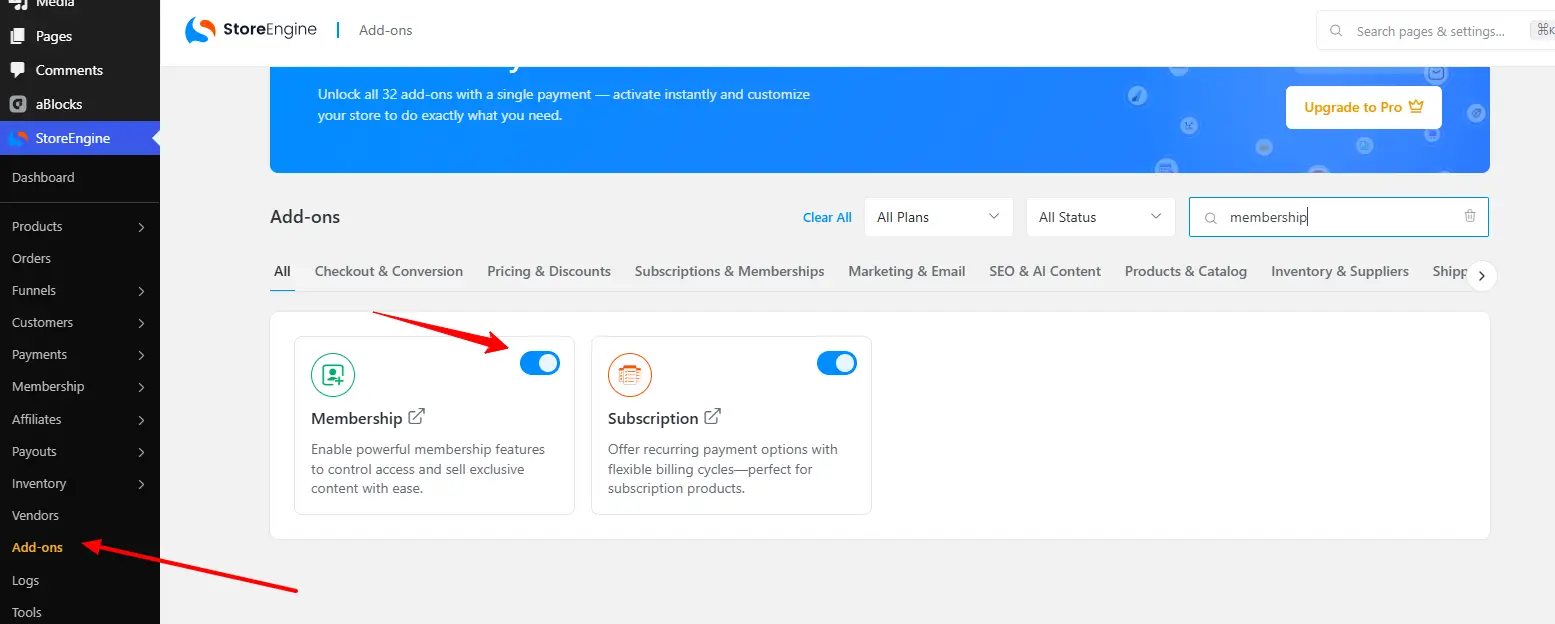
In StoreEngine’s add-ons panel, enable the Membership add-on. This unlocks tiered plan creation and gated content access control.
Step 3: Connect Your Payment Gateway
Go to StoreEngine > Add-Ons, enable Stripe and/or PayPal, and enter your API keys. Both are PCI-DSS compliant — no sensitive payment data touches your server.
Step 4: Create Your Membership Tiers
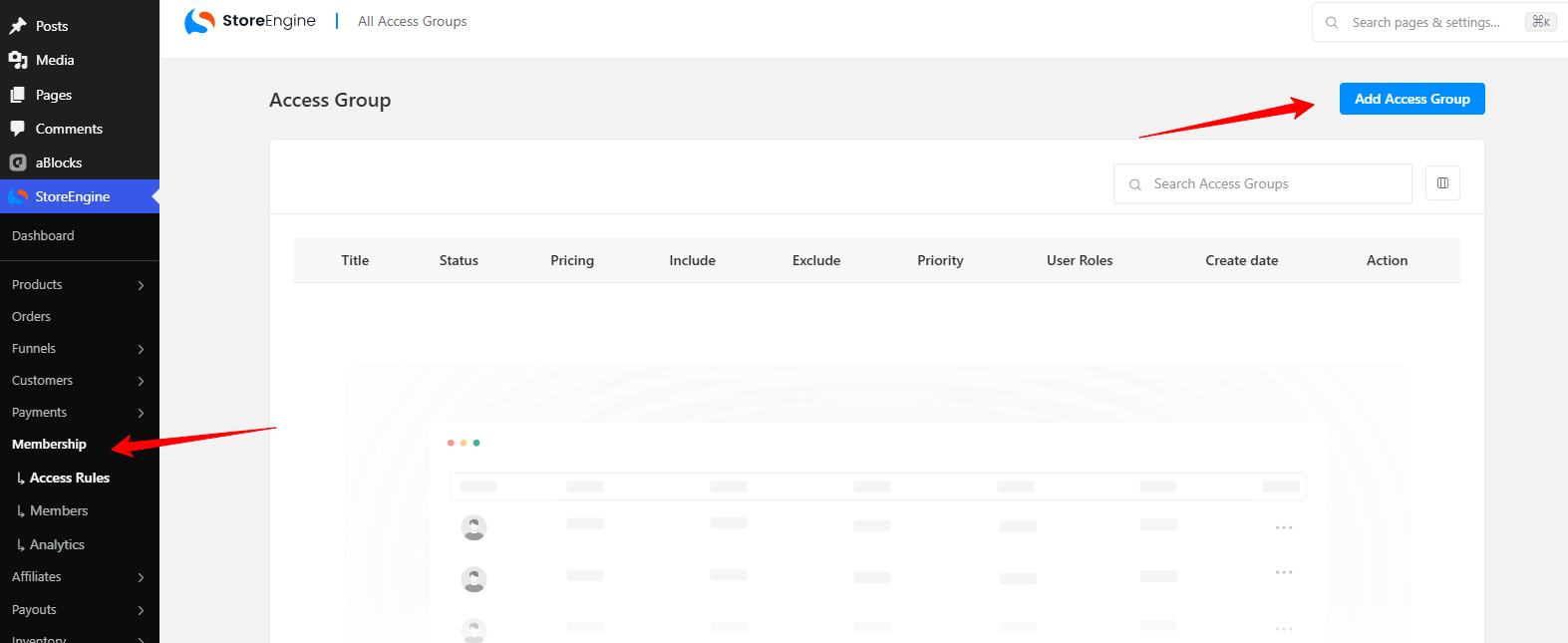
Go to Memberships > Add New Plan. Define plan name, pricing, billing cycle (monthly/annual), free trial duration if applicable, and which content this tier can access.
Step 5: Configure Access Rules
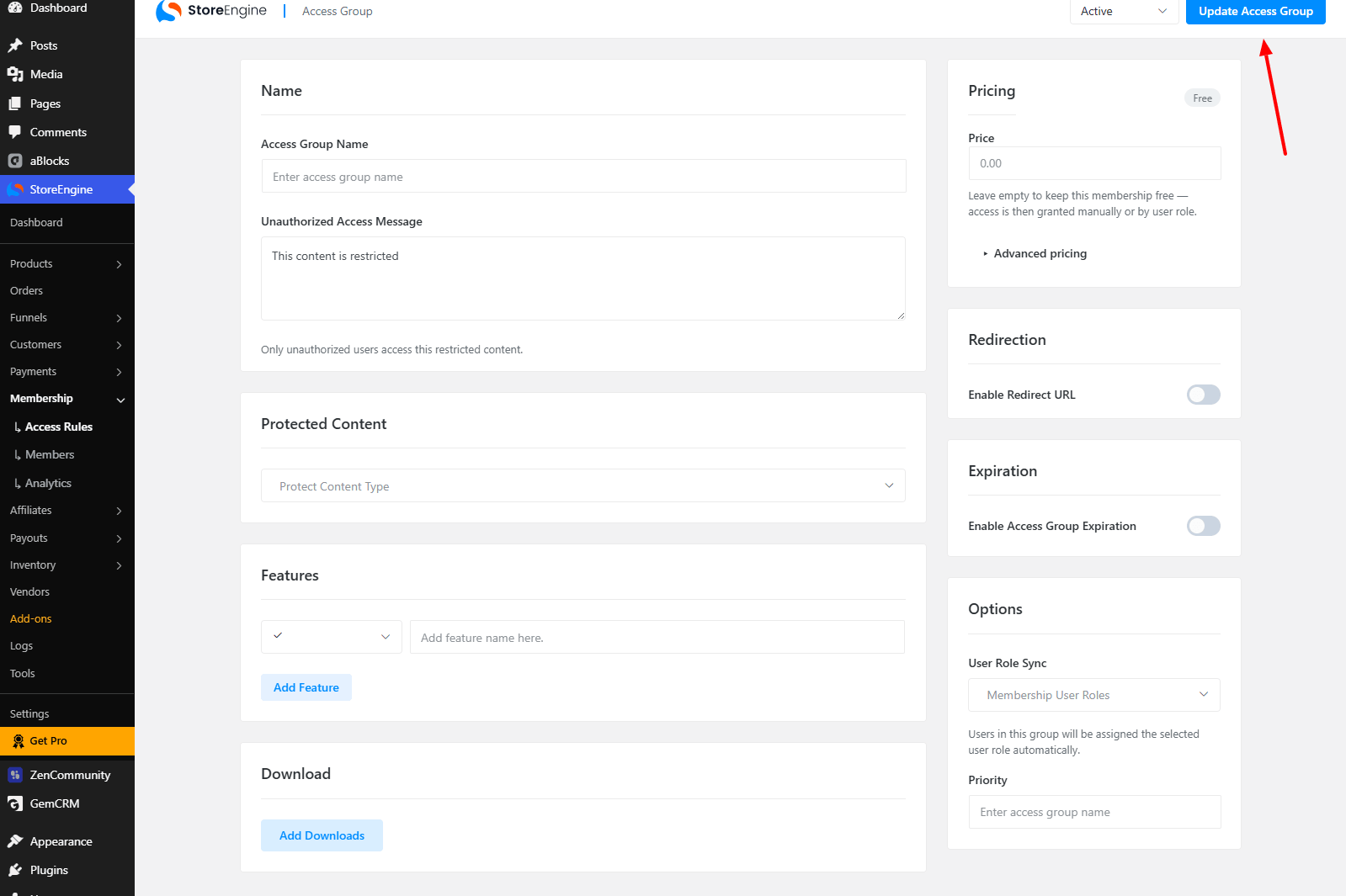
Assign content permissions by membership level — pages, posts, courses, custom content types. Pro members see the full library; Basic members see only their tier.
Step 6: Set Up the Member Dashboard
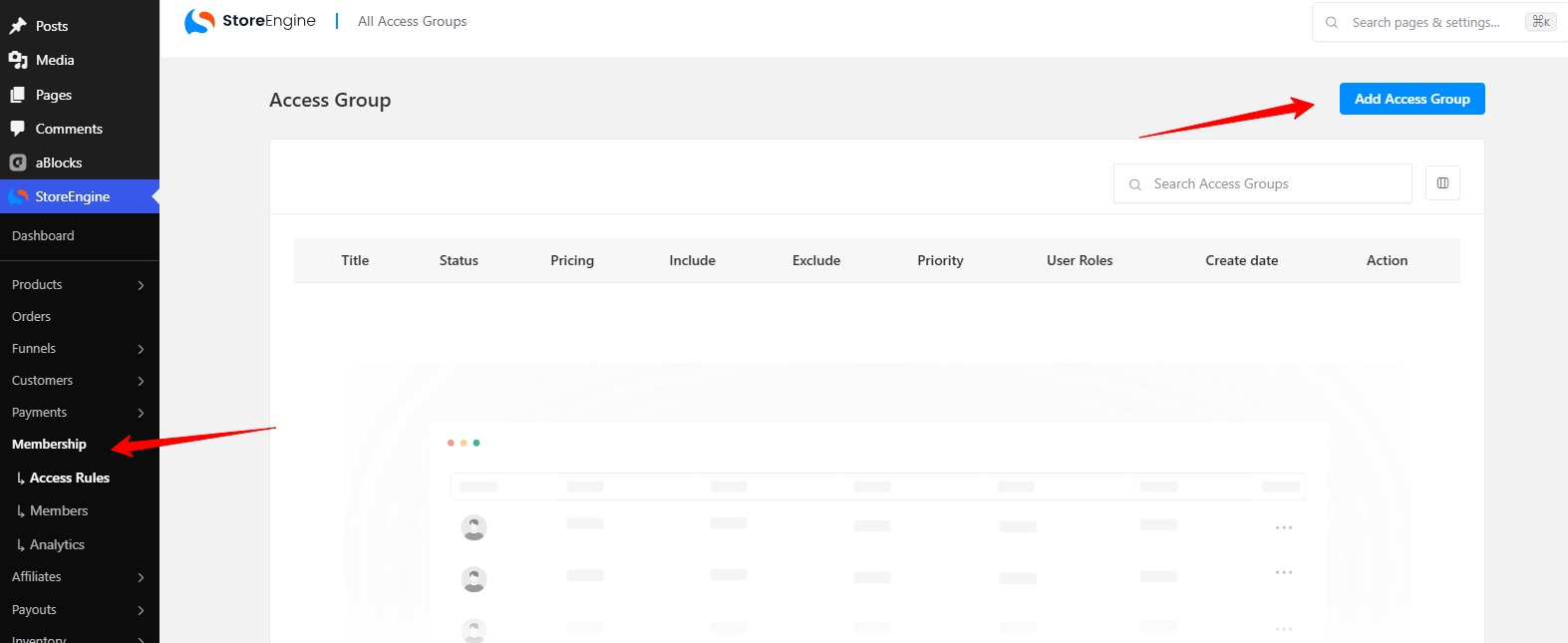
StoreEngine generates a member-facing dashboard for plan management, content access, and billing updates. Customize to match your brand.
Step 7: Enable the Affiliate System (Optional)
Activate StoreEngine’s built-in affiliate add-on to let members refer others and earn commissions. Configure rates and payout rules — no third-party plugin required.
Step 8: Test the Full Flow
Create test accounts for each tier. Confirm access controls, billing setup, and member dashboard all work correctly before going live.
Step 9: Launch
Publish your membership sign-up page. Monitor growth, revenue, and member activity from StoreEngine’s analytics dashboard.
Membership Plugin Best Practices for 2026
Lead with community, not just content. Content-only memberships churn faster. Community-driven memberships retain 85–92% of members. Build for interaction, not just consumption.
Offer annual and monthly billing. Annual billing improves your cash flow and reduces churn. Monthly billing lowers the sign-up barrier. Give both options — most members will choose the one that fits them, and you benefit either way.
Use free trials deliberately. 7–14 day trials reduce conversion friction. But only use them if your plugin handles automatic conversion to paid billing without manual intervention.
Treat failed payment recovery as a priority. Failed payments are the silent killer of membership revenue. Confirm your plugin and gateway handle automatic retries and member notifications.
Start with two tiers. More tiers feel like more value but add complexity for buyers and for you. Launch with Basic and Pro, learn from member behaviour, then expand if the data supports it.
Mobile-first member experience. 70%+ of membership engagement happens on mobile. If your member dashboard and gated content aren’t clean on a phone screen, fix that before you scale.
How to Choose: Matching Plugin to Use Case
|
Your Situation |
Best Pick |
|
Building a new store + membership site from scratch |
StoreEngine |
|
Content creator or coach, no eCommerce needs |
MemberPress |
|
Testing an idea with zero budget |
Paid Memberships Pro (free tier) |
|
Existing WooCommerce store adding membership |
WooCommerce Memberships |
|
Course creator who also sells products |
StoreEngine |
|
Agency building for multiple clients |
StoreEngine (multi-site license) |
|
Developer wanting minimal convention |
Restrict Content Pro |
Conclusion: Choose the Tool That Fits Your Architecture, Not Just Your Budget
The best WordPress membership plugin is the one that handles your specific model without forcing you into a plugin stack that becomes its own full-time job.
For most WordPress site owners in 2026 — especially those building stores alongside memberships, or course creators who also sell products — StoreEngine is the most pragmatic choice. One plugin. Tiered memberships, recurring billing, affiliate management, eCommerce, analytics. No WooCommerce required. No separate affiliate plugin. No plugin conflicts.
If your needs are narrower — content gating only, clean content creator setup — MemberPress or Paid Memberships Pro are solid, focused tools. But if you’re building for scale, pick the platform that grows with you from day one.
🔗 Get StoreEngine: storeengine.pro
FAQs: Best WordPress Membership Plugin
What is the best free WordPress membership plugin?
Paid Memberships Pro has the strongest free tier — unlimited members, unlimited levels, and basic gateway support at no cost. For a free tier that also covers eCommerce and core subscriptions, StoreEngine’s free version is the only option that consolidates both.
Can I run a membership site without WooCommerce?
Yes. StoreEngine, MemberPress, Paid Memberships Pro, and ARMember all operate independently of WooCommerce.
How do I restrict content based on membership level in WordPress?
Every major membership plugin includes content restriction rules. In StoreEngine, access permissions are configured within the membership plan settings and applied per post, page, or content type.
What’s the difference between a membership plugin and a subscription plugin?
A membership plugin controls who accesses what. A subscription plugin handles recurring billing. Most quality membership plugins — including StoreEngine — handle both natively.
Do WordPress membership plugins support Stripe and PayPal?
Yes. StoreEngine, MemberPress, Paid Memberships Pro, and ARMember all support Stripe and PayPal. StoreEngine also adds Razorpay and Paddle.
How much does a WordPress membership plugin cost?
Paid Memberships Pro is free at its core. MemberPress starts at around $179/year. StoreEngine Pro starts at approximately $99/year for one site, with a 14-day money-back guarantee. Costs scale with site count and advanced features needed.
Can I drip content to members on a schedule?
Yes, with the right plugin. MemberPress has the most granular drip content controls of any tested option. StoreEngine supports time-based content access as part of its membership access system.
Is a WordPress membership site secure?
Yes, provided you use a PCI-DSS compliant gateway. StoreEngine processes payments through Stripe and PayPal directly — your server never handles raw card data. Always use SSL and keep plugins updated.