


Online stores are seeing more fake orders, spam checkouts, and abandoned COD requests than ever. Bots, prank orders, and mistyped contact details all drain time and money from store owners — costing packaging, shipping, and inventory even when the product never actually gets delivered.
Phone and email verification at checkout is one of the simplest ways to stop this. By confirming a customer’s phone number or email is real and reachable, you filter out fraudulent orders before they reach fulfillment — without slowing down genuine shoppers.
In this guide, you’ll learn what checkout verification is, why it matters, when to enable it, and how to set it up step by step in WordPress — plus best practices and common mistakes to avoid.
If you haven’t already, it’s worth reading our broader guide to eCommerce fraud prevention for a complete picture of how verification fits into a full fraud-prevention strategy.
What Is Checkout Verification?
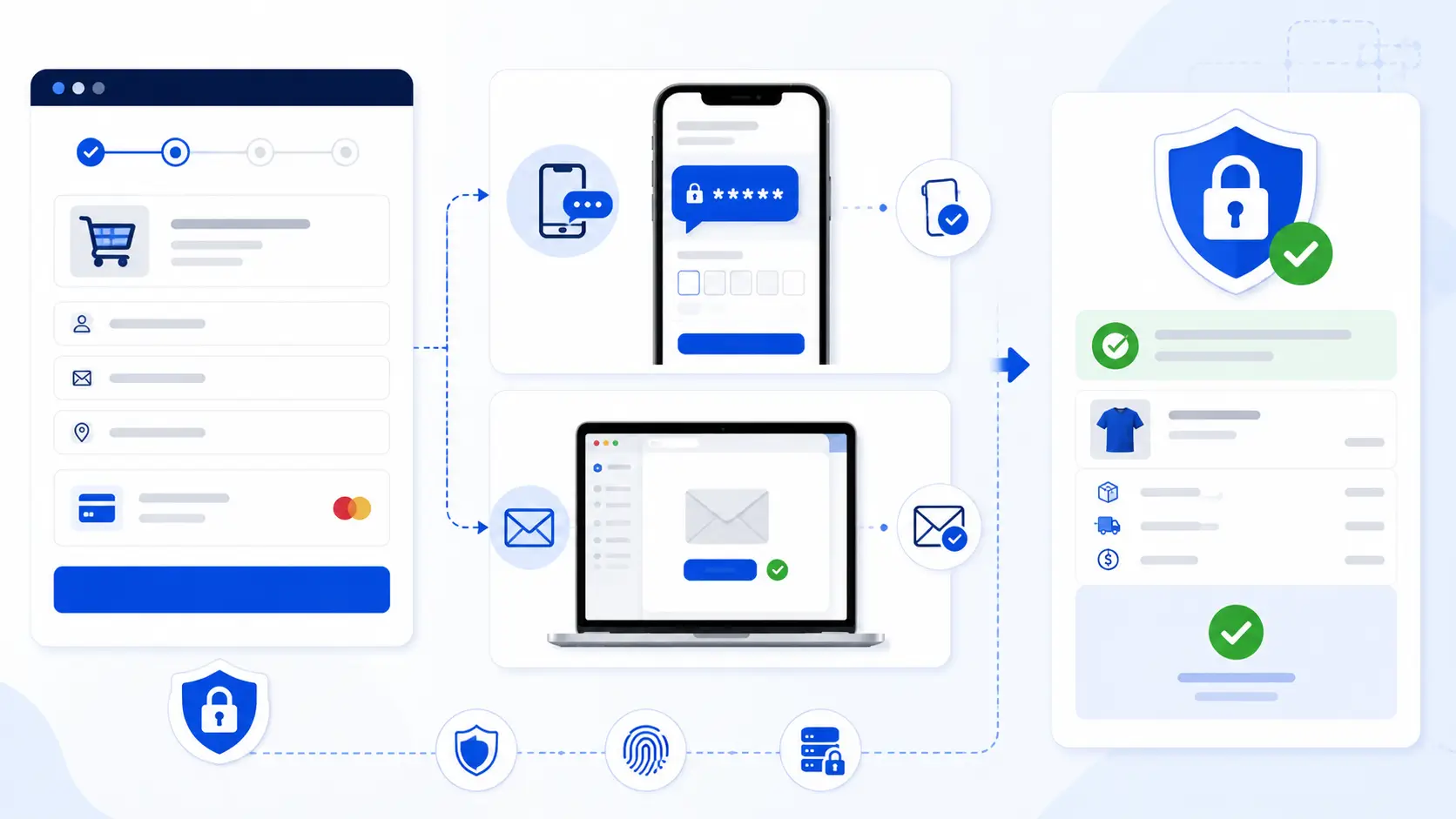
Checkout verification is a security step added to your order process that confirms a customer’s phone number or email address belongs to a real, reachable person before their order is finalized.
Phone Verification
Phone verification typically works through a One-Time Password (OTP) system. When a customer places an order, they receive a short numeric code via SMS. They must enter this code correctly before the order is confirmed.
- OTP verification before order confirmation ensures the order doesn’t go through until the phone number is proven valid.
- Prevents fake phone numbers — a huge source of failed deliveries and fraudulent COD orders, since bots and pranksters often enter random or invalid digits.
Email Verification
Email verification confirms that the email address entered at checkout is active and belongs to the customer placing the order.
- Verify the customer’s email address by sending a confirmation link or code that the customer must click or enter.
- Reduce fake accounts and invalid emails, which helps keep your customer database clean and your marketing emails actually landing in real inboxes.
Why Verification Matters
Every store owner has experienced it: an order comes in, the product gets packed and shipped, and then it’s returned or refused — because the phone number was fake, the address was wrong, or the “customer” never intended to buy anything at all. Verification closes this gap early, at the point of entry, rather than after money has already been spent on fulfillment.
Benefits of Phone/Email Verification
Prevent Fake Orders: Verification stops bots, prank orders, and malicious competitors from flooding your store with junk orders that clog up your dashboard and waste staff time.
Reduce COD Fraud: Cash on Delivery is especially vulnerable to fake orders since no payment is collected upfront. OTP verification confirms a real person is behind the order before it’s dispatched.
Improve Customer Data Quality: A verified phone number and email means your customer list is accurate — useful for remarketing, order updates, and long-term customer relationships.
Increase Delivery Success Rate: When contact details are verified, delivery agents can actually reach customers to confirm addresses or delivery windows, cutting down on failed delivery attempts.
Protect Store Revenue: Every fake order you block is money saved on packaging, shipping, and returns handling — verification pays for itself quickly.
For a deeper look at how OTP verification specifically tackles Cash on Delivery abuse, see our guide on how to stop fake COD orders with OTP.
When Should You Enable Checkout Verification?
Verification doesn’t need to apply to every single order — in fact, applying it too broadly can slow down trusted, repeat customers unnecessarily. Here’s when it makes the most sense to trigger it:
Cash on Delivery Orders
COD is the highest-risk payment method since there’s no upfront financial commitment from the buyer. Verifying phone numbers here has the biggest impact on reducing fraud.
High-Risk Products
Items that are frequently targeted for fraudulent orders — electronics, high-demand seasonal items, or products with a history of chargebacks — benefit from an extra verification layer.
New Customers
First-time buyers with no order history are a bigger unknown than returning customers. Verifying their contact details reduces risk on orders where you have no prior trust signal.
High-Value Orders
The larger the order value, the more you stand to lose from a fake or fraudulent purchase. Adding verification to high-ticket orders protects your revenue where it matters most.
How Checkout Verification Works
The process is designed to be quick and unobtrusive for genuine shoppers, while still creating a real barrier for fraudulent ones.
Step 1: Customer Enters Phone or Email At checkout, the customer provides their phone number or email address as part of the standard order form.
Step 2: Verification Code Is Sent An OTP is automatically sent via SMS (for phone verification) or as a code/link via email (for email verification).
Step 3: Customer Enters the OTP The customer types the code into a verification field on the checkout page. This confirms they have real-time access to the phone or inbox they provided.
Step 4: Checkout Completes Once the code is verified, the order is confirmed and proceeds to processing as normal. If verification fails or is abandoned, the order can be held, flagged, or cancelled based on your store’s settings.
How to Set Up Phone Verification in WordPress Using StoreEngine Verification
StoreEngine Verification makes it easy to add OTP-based phone verification directly to your checkout. Instead of combining multiple plugins and custom integrations, you can enable verification from a single dashboard and require customers to confirm their phone number before placing an order.
Enable the Verification Addon
From your StoreEngine dashboard, go to Addons and activate the Verification addon. This enables phone and email verification options within your checkout settings.
Turn On Phone Verification
Open the Verification settings and enable Phone Verification. Customers will be asked to verify their phone number with a one-time password (OTP) before their order is submitted.
Configure OTP Settings
Customize your verification settings by choosing the OTP length, expiration time, and resend limits. A short expiration period, such as 5–10 minutes, along with reasonable resend limits, helps improve security while keeping checkout convenient.
Configure SMS Delivery
Complete the SMS delivery settings required by the Verification addon so OTP codes can be sent to customers’ phones. Make sure the configuration is working properly before accepting live orders.
Test the Checkout Process
Before launching, place several test orders to verify that OTP messages are delivered successfully, phone verification works correctly on both desktop and mobile devices, and orders are processed only after successful verification.
How to Set Up Email Verification in WordPress
Enable Email Verification
If your WordPress checkout solution supports email verification, enable the feature from the plugin’s verification or checkout settings. Once enabled, customers must verify their email address before completing their order, helping reduce fake orders and improve the accuracy of customer information.
Configure Verification Settings
Review the available verification options and configure them according to your store’s requirements. Depending on your solution, you may choose to use email verification on its own or combine it with phone verification for an additional layer of protection.
Test the Verification Workflow
Before making the feature available to all customers, place several test orders using different email providers, such as Gmail, Outlook, and Yahoo. Confirm that the verification email is delivered successfully, the verification process works as expected, and customers can complete checkout only after successful verification.
Best Practices for Checkout Verification
Verify Only High-Risk Orders: Don’t force every customer through verification — reserve it for COD, new customers, high-value orders, or flagged risk categories to keep checkout fast for trusted buyers.
Keep OTP Expiration Short: A 5–10 minute expiration window balances security with usability, reducing the chance of codes being intercepted or reused.
Allow OTP Resend: Network delays happen. Always give customers a clear “resend code” option so a delayed SMS or email doesn’t cause them to abandon the order.
Use Trusted SMS Providers: Cheap or unreliable SMS gateways can delay delivery or fail outright, directly hurting your conversion rate. Choose providers with strong delivery track records in your target regions.
Monitor Failed Verification Attempts: Track how many orders fail verification and why. Repeated failures from the same number or IP can indicate a pattern worth blocking at a broader level.
Common Setup Mistakes
Sending OTP Too Late: If there’s a delay between order submission and OTP delivery, customers get frustrated and abandon checkout. Choose fast, reliable SMS/email providers.
Long OTP Expiration Time: Codes that stay valid for 30+ minutes create unnecessary security risk and can be exploited before they expire.
Blocking Legitimate Customers: Overly strict verification rules — like limiting customers to a single attempt — can lock out real buyers over simple typos, costing you a sale.
Ignoring Mobile Experience: Most checkout traffic is mobile. If the OTP entry field is hard to tap, or autofill from SMS isn’t supported, you’ll see higher drop-off rates.
Phone Verification vs Email Verification
Which One Is Better?
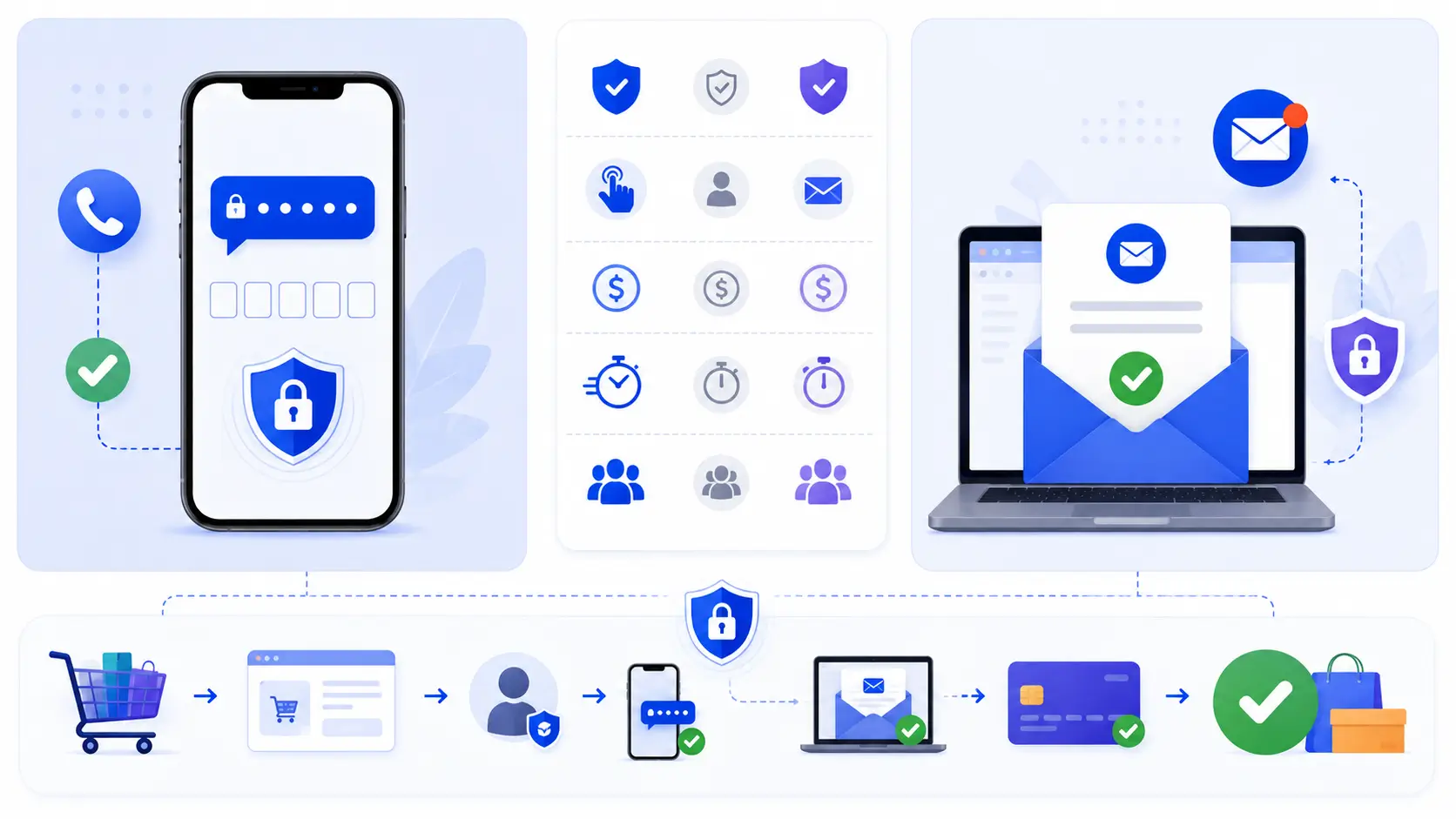
Phone verification is generally more effective at stopping fraud, especially for Cash on Delivery orders, because a working phone number is harder to fake convincingly and directly ties to delivery communication. Email verification is easier and cheaper to implement and works well for prepaid orders and general account quality, but is slightly easier for fraudsters to bypass using disposable email services.
When to Use Both
For stores handling high transaction volumes, high-value products, or significant COD traffic, using both phone and email verification provides layered protection — catching fraud that might slip past a single check.
Recommended Approach for Most Stores
Start with phone verification for COD and high-risk orders, since it delivers the biggest fraud-reduction impact. Add email verification as a secondary layer for account creation and prepaid orders to keep your overall customer data clean.
Conclusion
Phone and email verification add an extra layer of security during checkout, helping reduce fake orders, improve customer data quality, and make it more difficult for fraudulent or low-quality orders to reach your fulfillment process. When implemented correctly, checkout verification helps protect your business while maintaining a smooth experience for legitimate customers.
If your WordPress checkout solution supports phone or email verification, enabling these features can strengthen your store’s security without adding unnecessary friction to the checkout process. Combined with other fraud prevention measures, checkout verification can play an important role in reducing risk and improving order quality.
For a broader set of fraud protection strategies covering more than just checkout verification, check out our complete guide to eCommerce fraud prevention for WordPress in 2026.
FAQ
Does checkout verification slow down the buying process?
Not if it’s applied selectively. Verifying only high-risk orders — COD, new customers, or high-value carts — keeps checkout fast for trusted, returning buyers while still blocking fraud where it matters most.
Will verification reduce my order volume?
It may reduce the number of fake orders, which is the point. Genuine customers who receive their OTP promptly and can resend it if needed generally complete checkout without issue.
Is phone verification better than email verification for stopping fraud?
Phone verification is generally more effective, especially for COD orders, since a working phone number is harder to fake and ties directly to delivery communication. Email verification is easier to set up and works well as a secondary layer.
What happens if a customer doesn’t receive the OTP?
A reliable setup includes a “resend code” option and a short but reasonable expiration window (5–10 minutes), so delays from the SMS or email provider don’t cause customers to abandon their order.
Can I use both phone and email verification together?
Yes. Many stores — especially those with high COD volume or high-value products — use both for layered protection, catching fraud that might slip past a single check.
Do I need a paid SMS gateway for OTP verification?
Most reliable OTP delivery requires a paid SMS gateway (like Twilio or MSG91), since free or default methods often have poor deliverability. The cost is usually small compared to what’s saved by blocking fake orders.