


You’re running a WordPress store. Customers are landing, browsing, and buying. But here’s the brutal truth: most of them are leaving money on the table — and so are you.
Not because your product is weak. Not because your traffic is thin. But because you’re not asking the right question at the right moment.
That’s exactly what order bumps, upsells, and cross-sells fix.
In 2026, stores using these strategies are lifting average order value by 10–30% — without spending an extra dollar on ads. The global ecommerce AOV sits at approximately $150, and the brands pulling ahead aren’t chasing more clicks. They’re squeezing more value from every checkout already in motion.
Tools like StoreEngine have made this easier than ever — bringing order bumps, upsells, and conversion funnels natively into WordPress, without the plugin chaos.
This guide breaks down how these three tactics work, where they live in your funnel, and which WordPress tools actually deliver.
What’s the Difference? Order Bump vs. Upsell vs. Cross-Sell
These three terms get tangled constantly. Let’s untangle them once and for all.
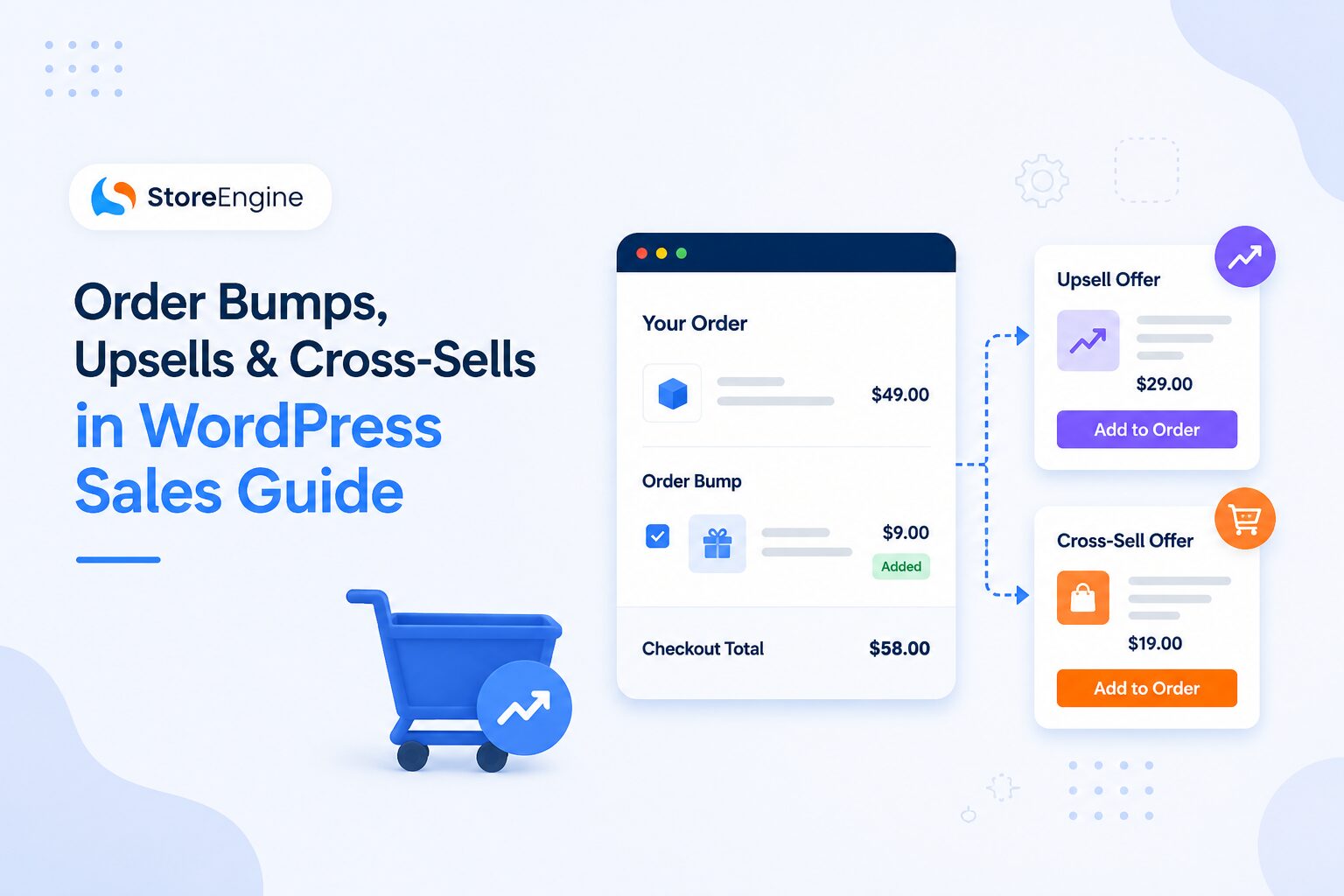
Order Bump — A low-cost, one-click add-on presented at checkout, before the customer hits “Pay.” Think of a checkbox: “Add gift wrapping for $3.” The customer never leaves the page. Acceptance is frictionless. No new decision, just a quick yes.
Upsell — An offer to upgrade or replace the chosen product with something better (and pricier). Shown on the product page or after checkout — “You picked the Standard Plan. Want Pro for $20 more?” It’s a replacement, not an add-on.
Cross-Sell — A complementary product suggestion. You’re buying a laptop; we suggest a laptop bag. Shown in the cart or on the product page. It adds to the order without replacing anything.
The key difference is timing. An order bump catches the customer mid-checkout, at peak commitment. An upsell happens before or after. A cross-sell enhances rather than upgrades.

Why These Tactics Dominate in 2026
Here’s the math no store owner can ignore:
A 20% lift in AOV produces the same revenue gain as a 20% lift in traffic — often at a fraction of the cost.
And the numbers backing up individual tactics are just as compelling:
|
Tactic |
Avg. AOV Lift |
Conversion Rate |
Best Placement |
|
Order Bumps |
10–30% |
Up to 37.8% |
Checkout page |
|
Upsells |
10–30% |
15–25% (post-purchase) |
Product page / Thank-you page |
|
Cross-Sells |
20–35% (bundles) |
Varies |
Cart / Product page |
|
Product Bundles |
20–35% |
Best-in-class: 55% AOV lift |
Product page |
Order bumps alone can reach a 37.8% acceptance rate when the offer is relevant, timed correctly, and priced within 25% of the main cart value. A customer spending $80 will comfortably add a $15–$20 item. Push a $60 add-on? Friction kills the conversion.
Also worth noting: getting your store in front of the right buyers in the first place is what makes upsells land harder. If you haven’t yet dialed in your traffic strategy, the eCommerce SEO for WordPress: The 2026 Playbook That Ranks is worth reading alongside this guide.
The Biggest Mistake WordPress Stores Make
Most WordPress store owners either skip these tactics entirely or bolt on three different plugins that don’t talk to each other.
A plugin for order bumps. A separate plugin for post-purchase upsells. Another for product recommendations. The result? Compatibility headaches, slow checkout pages, and a customer experience that feels disjointed.
The smarter move in 2026 is a unified system — one tool that handles the full revenue sequence from checkout through post-purchase, all from inside your WordPress dashboard.
StoreEngine: The WordPress Plugin Built for This

StoreEngine is built differently from the ground up. It’s not a WooCommerce add-on bolted onto a third-party checkout. It’s a complete WordPress ecommerce engine with order bumps, upsells, cross-sells, and conversion funnels built natively into the same system that processes your orders.
Why does that matter?
Because when your order bump tool is your checkout — not a plugin patched onto it — you get:
- Zero compatibility issues between the bump offer and the checkout flow
- No sync delay between bump acceptance and cart update
- One-click acceptance that feels seamless, not clunky

As StoreEngine’s own order bump documentation puts it: “Every checkout is a complete conversation between your store and a buyer who has already decided to say yes. Order bumps are the question most stores forget to ask while that conversation is still open.
What StoreEngine Brings to the AOV Table
Order Bumps — Configured once per product or checkout flow, then run automatically on every qualifying checkout. No manual work per order.
Upsells & Cross-Sells — Built-in logic to suggest complementary or upgraded products at the right moment in the funnel.
Conversion Funnels — Design high-converting checkout pages, add order bumps and coupons, and build post-purchase flows — all inside the same dashboard.
Automated Cart Recovery — Win back lost sales with automated reminders and recovery flows. Because the customer who didn’t buy yet is still a conversion waiting to happen.
Real-Time Analytics — Revenue, orders, and product insights right inside WordPress. No third-party dashboard required.
Physical + Digital + Subscriptions + Memberships — Whether you’re selling a physical product, a digital download, an online course, or a recurring subscription, StoreEngine handles it. All under one roof. If you’re exploring recurring revenue models specifically, the guide on How to Sell Memberships on WordPress walks through exactly how to set it up — and memberships with order bumps at checkout are among the highest-converting combos in 2026.
💡 Key Takeaway: Most plugins force you into a plugin stack — CartFlows for funnels, a separate bump plugin, another for post-purchase. StoreEngine collapses that stack into one system, which means faster load times, fewer conflicts, and a checkout experience that actually converts.
How Order Bumps Work in Practice (A Real-World Example)
Picture this: A customer lands on your store, selects a $79 online course, and proceeds to checkout. At the checkout page — not after, not in an email, right there — they see a single checkbox:
“Add the Workbook PDF for $9 — Save 40% (usually $15).”
One click. No page reload. No new decision tree. The $9 is added to their order.
If you’re running 100 orders a month and 30 customers accept that bump, that’s $270 in extra revenue from a single checkbox — at zero acquisition cost.
Scale that. Now run three products with order bumps. Now make those bumps smarter with targeting rules (cart total, product category, user type). That’s where tools like StoreEngine shift from “nice to have” to “I can’t believe I wasn’t doing this earlier.”

Upsell Strategy That Actually Works in WordPress
An upsell isn’t just “show a more expensive product.” Irrelevant upsells annoy buyers. Relevant upsells serve them.
The rule: The upsell should feel like the natural next step for someone who already said yes to the first thing.
Pre-purchase upsell (Product Page): A customer views a $28 face cream. You surface a “Complete Routine” bundle at $49. They haven’t bought yet — this is the upgrade moment.
Post-purchase upsell (Thank-You Page): Order is confirmed. Payment is processed. Now the customer is in a “yes” state and open to adding more. Post-purchase upsells convert at 4–10% according to CartHook data — but they carry zero checkout abandonment risk because the sale is already done.
One-Click Upsell: The gold standard. The customer accepts the upsell without re-entering payment details. This is a Pro feature in most WordPress plugins and is fully supported in StoreEngine.
Not sure whether to charge one-time or recurring for your upsell offer? The breakdown of Membership vs Subscription: Which Pricing Model Actually Grows Your Business? lays out exactly when each model wins.
Cross-Sells: The Quiet Revenue Driver
Cross-sells are less dramatic than order bumps but quietly powerful. The most famous example in the world: “Would you like fries with that?”
In WordPress, cross-sells appear as:
- Frequently Bought Together sections on product pages
- “Customers Also Bought” recommendations in the cart
- Post-checkout email sequences showcasing complementary products
Product bundles — the most aggressive form of cross-sell — lift AOV by 20–35% on average, with the best implementations hitting a 55% AOV lift and 2.7x higher lifetime value for bundled customers versus single-item buyers.
The catch: random cross-sell suggestions hurt more than they help. Pair relevance with placement. A customer buying a WordPress course doesn’t want to see a frying pan cross-sell.

Comparing WordPress Tools for Order Bumps and Upsells (2026)
|
Plugin |
Order Bumps |
Post-Purchase Upsells |
Standalone (No WooCommerce) |
Native Analytics |
Price |
|
StoreEngine |
✅ Built-in |
✅ Built-in |
✅ Yes |
✅ Advanced |
Free + $49/yr |
|
CartFlows |
✅ Pro |
✅ Pro |
❌ Requires WooCommerce |
⚠️ Basic |
From $99/yr |
|
FunnelKit |
✅ Plus / Pro |
✅ Plus / Pro |
❌ Requires WooCommerce |
✅ Advanced |
From $99.50/yr (Upsells from $149.50) |
|
UpsellWP |
✅ Free + Pro |
✅ Pro |
❌ Requires WooCommerce |
⚠️ Basic |
Free + $89/yr |
|
WPFunnels |
✅ Pro |
✅ Pro |
❌ Requires WooCommerce |
⚠️ Basic |
From $97/yr |
The standout advantage of StoreEngine: it doesn’t require WooCommerce. It is the commerce engine. That means a lighter stack, faster checkout, and less to break.
5 Rules for High-Converting Order Bumps and Upsells in WordPress
1. Price the bump at 25% or less of the cart value. A $100 cart supports a $20–$25 bump comfortably. Higher than that creates hesitation.
2. Make it feel complementary, not random. A customer buying a WordPress theme doesn’t need a cooking course. They might need a logo design add-on.
3. Write copy that answers “Why now?” “Add for just $9 — only available here” creates urgency without being manipulative.
4. Test placement. Order bumps above the payment button typically outperform those below it. Run A/B tests where your plugin supports it.
5. Track acceptance rates, not just revenue. If your bump converts below 5%, the offer isn’t relevant. If it’s above 25%, you’re leaving the price on the table. Aim for 15–35% as a healthy range.
Conclusion: Stop Leaving Money in the Cart
Every checkout your store completes is a conversation with a buyer who just said yes. Order bumps, upsells, and cross-sells are the follow-up questions you’re not asking — and that silence costs you revenue on every transaction.
The mechanics aren’t complex. The principle is timeless: serve the right offer, to the right buyer, at the right moment. What’s changed in 2026 is that the tools to do it — natively, intelligently, and without a tangled plugin stack — are finally here.
And once your AOV engine is running, the next growth lever is bringing customers back — or having others send them to you. The guide on setting up an affiliate program and the comparison of Affiliate Program vs Referral Program are the natural next reads once your checkout is converting at its best.
StoreEngine brings order bumps, upsells, cross-sells, conversion funnels, and real-time analytics into one WordPress plugin that doesn’t need WooCommerce to function, doesn’t require three separate subscriptions, and doesn’t make your checkout page heavier in the process.
Ready to stop leaving AOV on the table? → Explore StoreEngine →
FAQs: Order Bumps, Upsells & Cross-Sells in WordPress
Does WooCommerce have built-in order bumps?
No. WooCommerce’s native Linked Products feature only shows basic upsell and cross-sell grids — not a one-click checkout bump. You need a dedicated plugin or a native solution like StoreEngine.
What’s the difference between an order bump and a one-click upsell?
An order bump is shown before payment is submitted, on the checkout page. A one-click upsell appears after the order is placed, on the thank-you or confirmation page — with no need to re-enter payment details.
Can I run upsells without WooCommerce?
Yes — with StoreEngine. It’s a standalone WordPress ecommerce plugin that doesn’t depend on WooCommerce, giving you full upsell and order bump functionality in a lighter, faster stack.
How many order bumps should I show at checkout?
Start with one. A single, highly relevant bump converts better than a crowded checkout with multiple offers. Once you’ve dialed in one bump, test adding a second with conditional targeting.
What’s a realistic AOV increase from upsells?
Industry benchmarks suggest a 10–30% AOV lift from upsells, with order bumps reaching up to 37.8% acceptance rates in best-case scenarios. (Launchtip 2026, CartFlows 2026 — treat as directional; measure your own store)