











The Customer Dashboard in StoreEngine provides customers with a centralized, self-service area to manage their accounts, orders, subscriptions, downloads, invoices, and memberships. All from a clean and user-friendly interface.
This dashboard helps store owners reduce support requests while giving customers full visibility into their purchases and account activity.
What Is the Customer Dashboard?
The Customer Dashboard is a frontend account area available to logged-in customers. From here, customers can:
- View and update account information
- Check order history and order details.
- Download invoices and receipts.
- Manage subscriptions (if enabled)
- Access digital downloads
- View membership status (if applicable)

This featureset empowers customers to self-serve most post-purchase tasks without needing store admin assistance.
How Customers Access the Dashboard
Customers can access their dashboard after logging in via:
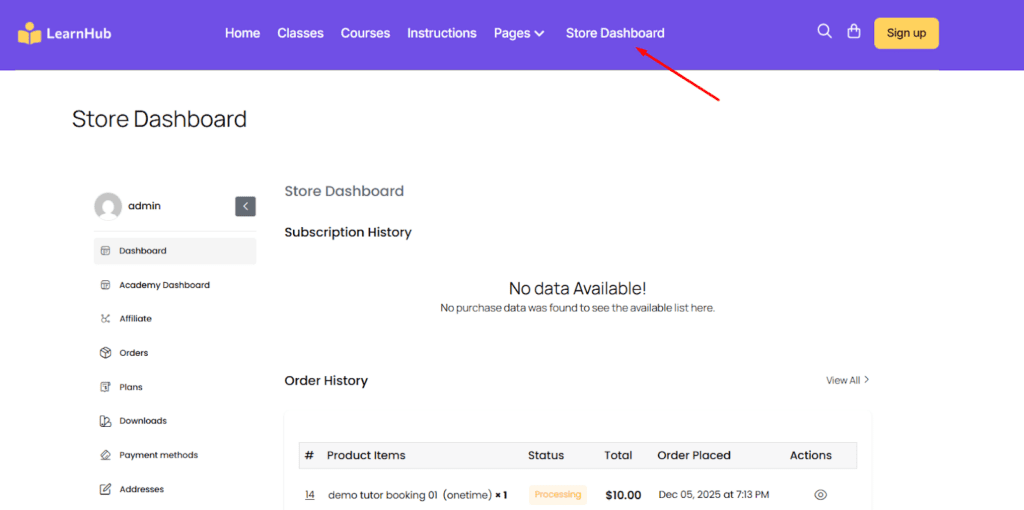
- Go to the Login page (if created with the login Shortcode) or the Store Dashboard link in the site menu
- A dedicated Customer Dashboard page was created during StoreEngine’s Initial Setup Wizard.
Dashboard Sections & Features
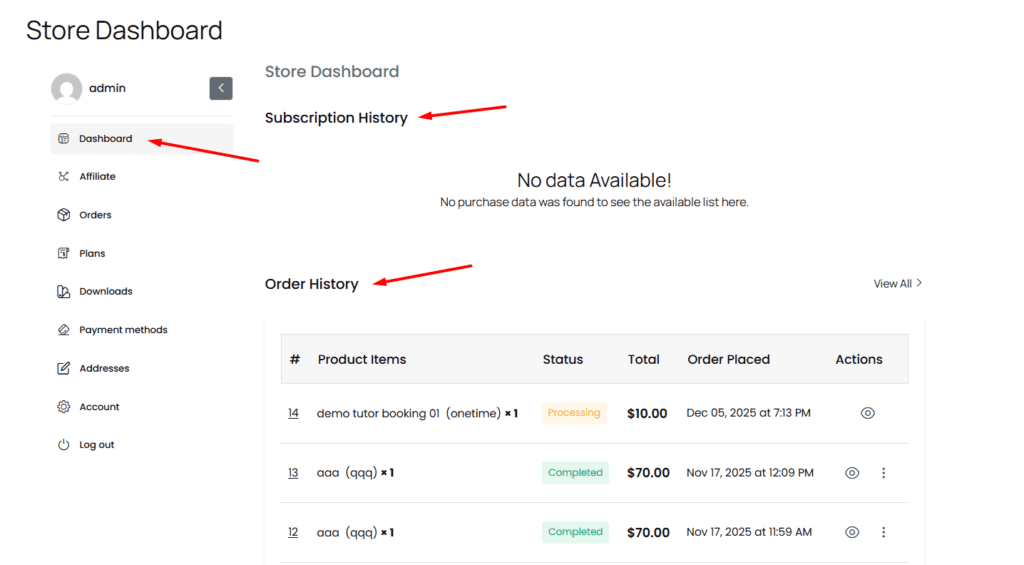
1. Dashboard
The Dashboard is the main overview page of the customer account. It provides a quick summary of recent activities, such as Subscriptions and order history.
2. Affiliate
The Affiliate section is available for customers enrolled in the affiliate program. From here, users can:
- View affiliate earnings
- Track referrals and commissions
- Access affiliate links and statistics

3. Orders
The Orders section displays a complete list of all purchases made by the customer.
Customers can:
- View order history
- Check order status
- Open individual orders for detailed information
- Download invoices (if enabled)

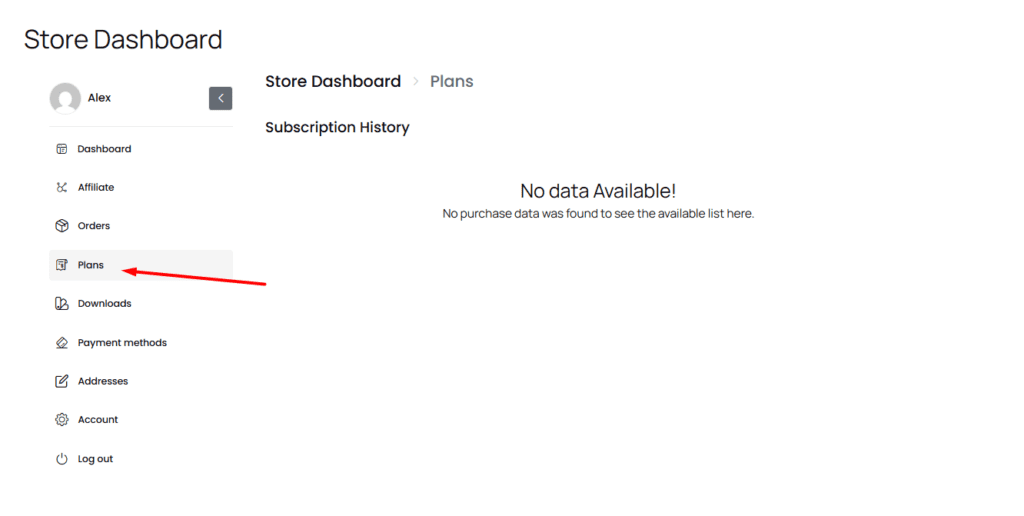
4. Plans
The Plans section displays all active and inactive plans, including subscriptions and memberships.
From this section, customers can:
- View plan details
- Check renewal or expiration dates.
- Manage or cancel plans (based on store settings)
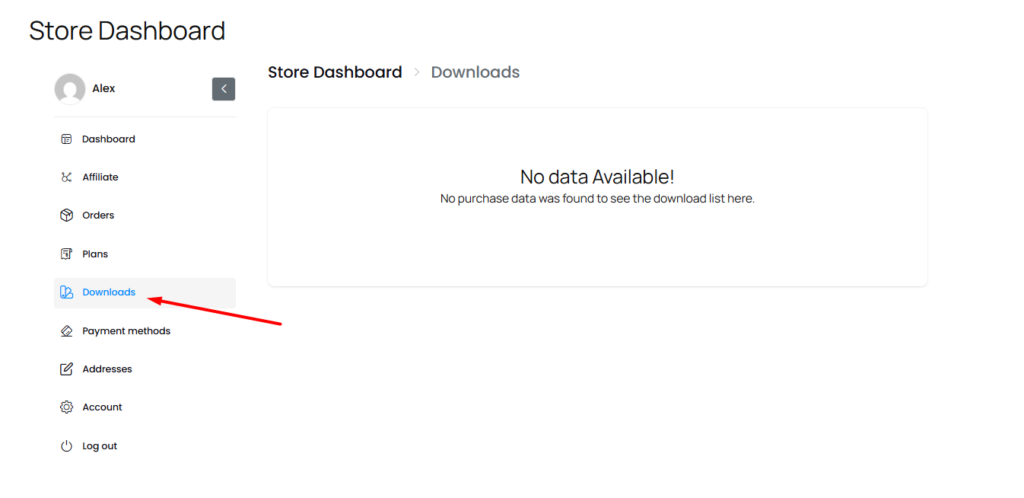
5. Downloads
The Downloads section is available for customers who have purchased digital products.
This section allows customers to:
- Access download links
- View download limits or expiration dates.
- Re-download purchased files
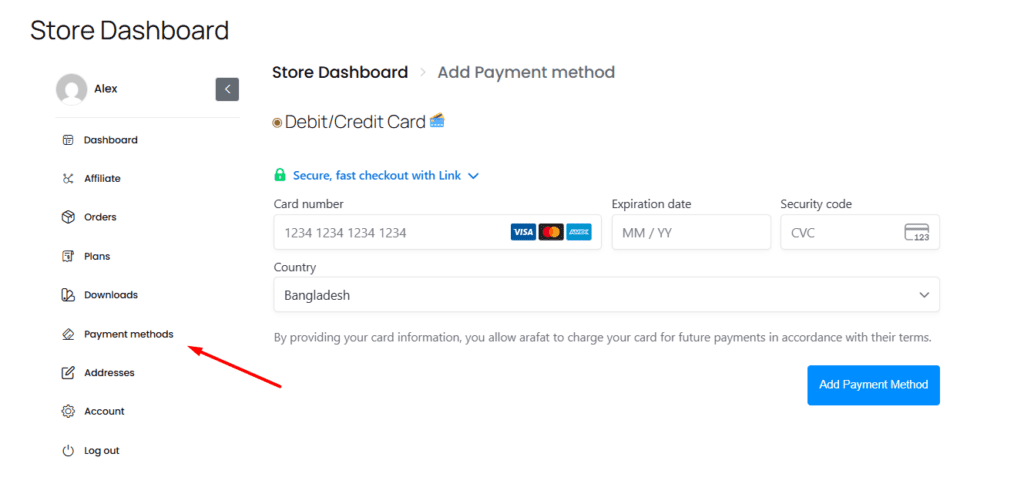
6. Payment Methods
The Payment Methods section allows customers to manage their saved payment information.
Customers can:
- Add new payment methods
- Update existing payment details.
- Remove saved payment methods.
7. Addresses
The Addresses section stores billing and shipping addresses linked to the customer account.
Customers can:
- Add or update billing addresses
- Manage shipping addresses
- Keep address information up to date for future orders.

8. Account
The Account section displays basic customer information, including first name, last name, email address, and password change. Customers can update their profile information directly from this section.
Key actions include:
- Updating email address
- Changing account password
- Changing first name & last name

9. Log out
The Log out option securely signs the customer out of their account.

Summary
The StoreEngine Customer Dashboard navigation is designed to give customers clear access to all essential account features in a logical order:
- Overview first
- Earnings and purchases in the middle
- Account and security settings at the end
This structure documentation helps customers quickly find what they need while maintaining a clean and organized dashboard experience.