


A tax class lets you tax some products at a different rate, such as reduced-rate or zero-rate items. Every class has its own rates.
How to Set Up Tax Classes in StoreEngine?
Step 1: Add a Tax Class
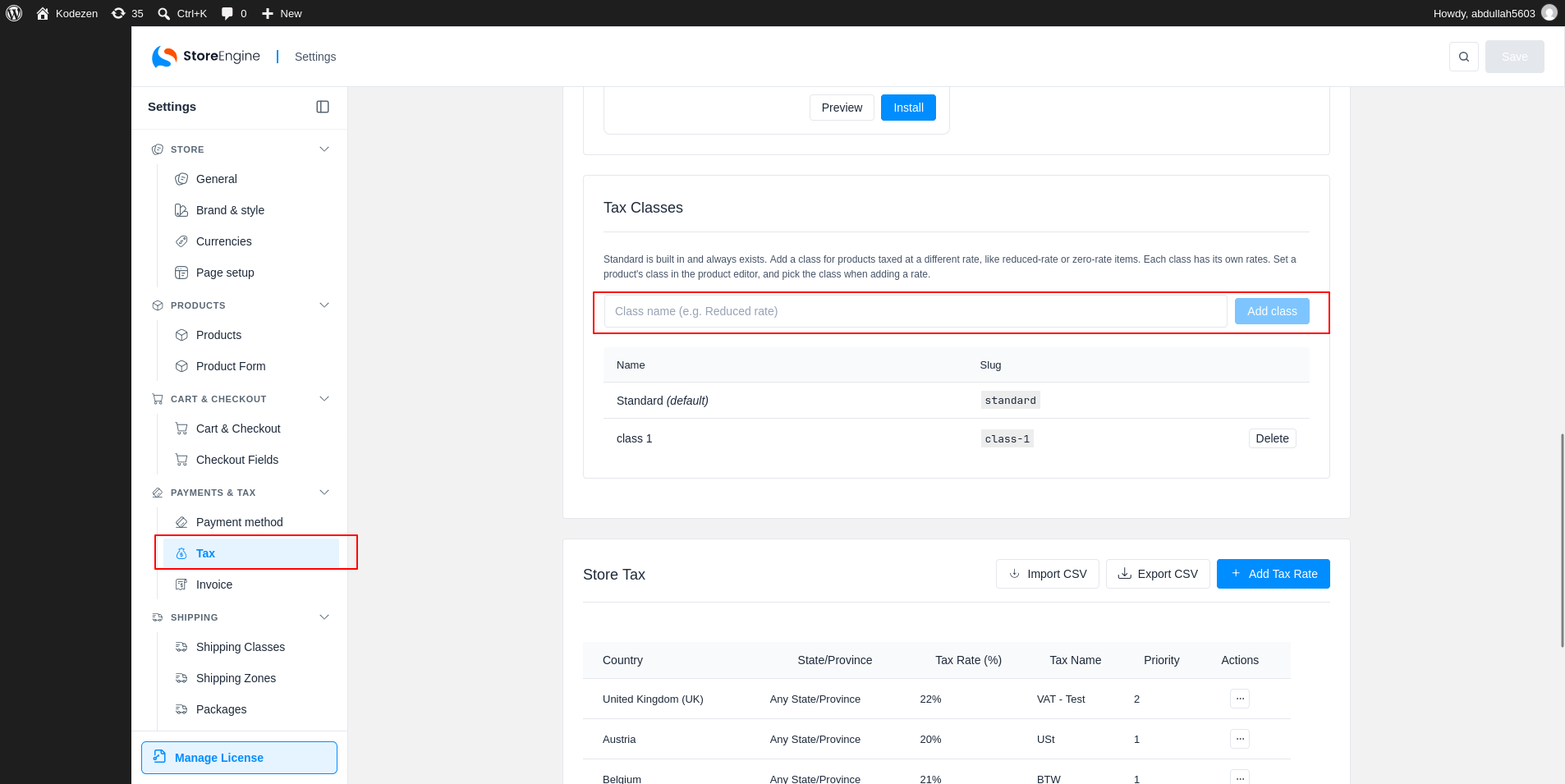
To start, go to StoreEngine → Settings → Tax and scroll to Tax Classes. Standard is built in. It is marked (default) and cannot be removed.
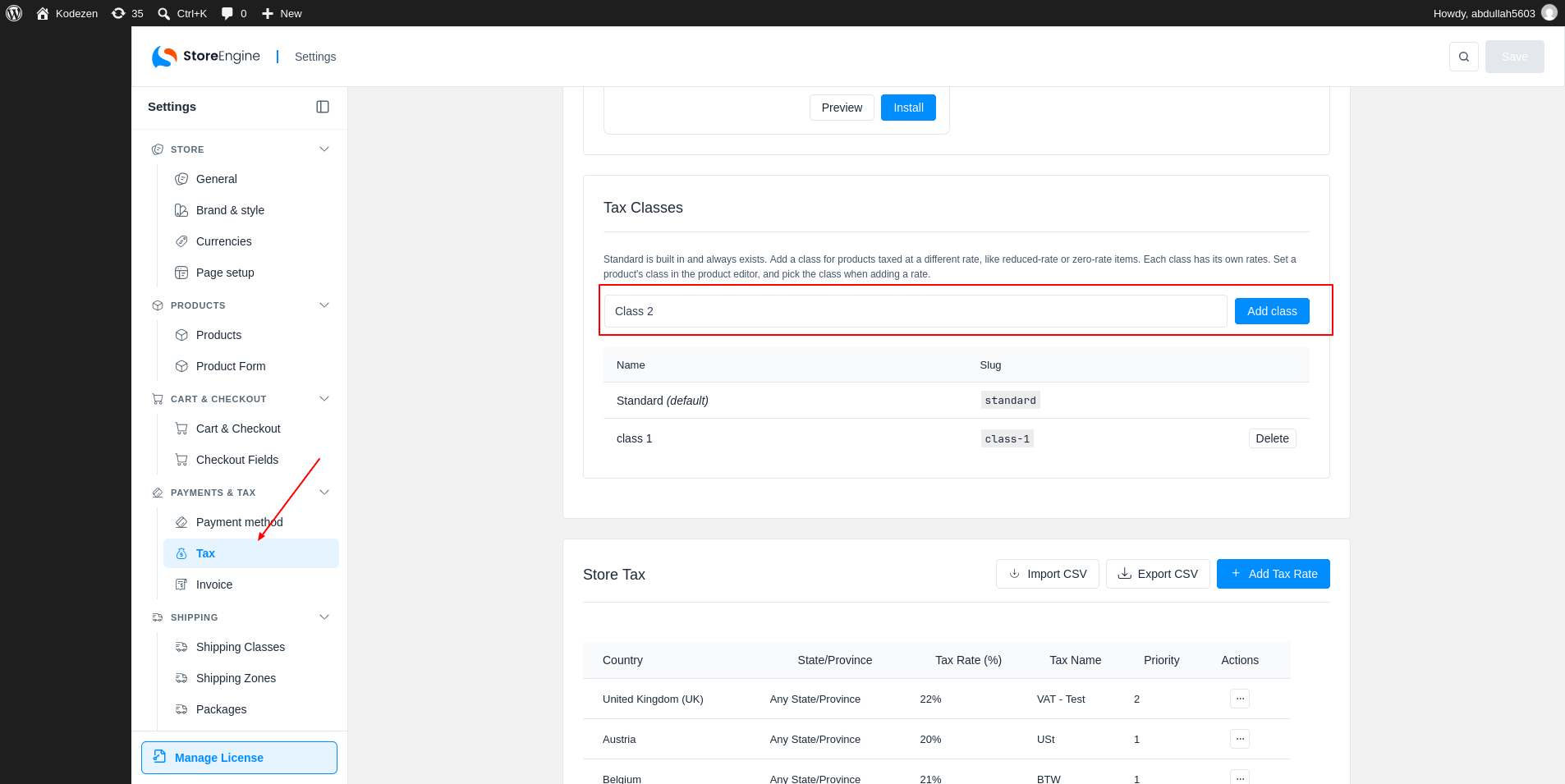
Type a name in the box, for example Reduced rate, and click Add class. The new class appears in the list with its Slug.
Step 2: Add a Rate for the Class
To tax a class, add a rate for it. Click Add Tax Rate in the Store Tax section and choose the class in Tax class.
Step 3: Delete a Tax Class
To remove a class, click Delete next to it and confirm. The class and its tax rates are removed. Products that used it fall back to Standard.